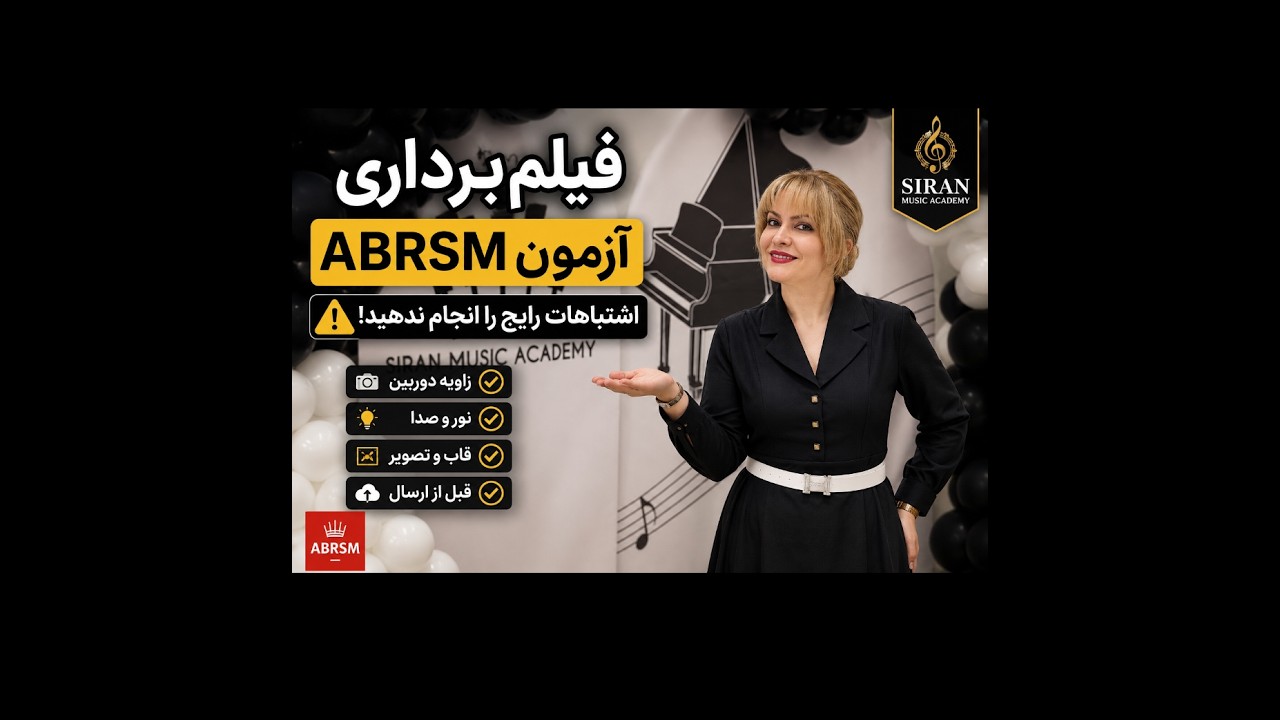
Recording your own exam video can feel stressful the first time. In this short walkthrough I show you, step by step, how to set up your camera, what the examiner needs to see, and how to capture a clean, single take you can submit with confidence.
Filmed on a phone in portrait, so the player above is shaped to match the video.
Quick recording checklist
- One continuous take. Record the whole performance in a single, unedited clip. No cuts, no zooming, no splicing pieces together.
- Show hands, face, and the keyboard. Position the camera so the examiner can see both hands on the keys and your face throughout the performance.
- Steady camera. Prop the phone or tablet on a stand or a stack of books. Avoid anyone holding it by hand.
- Good light, clean sound. Face a window or lamp so you are well lit, and record in a quiet room with no background noise.
- Announce each piece. Before you begin, say your name and the title of each piece, exactly as the syllabus requires.
- Do a test first. Record ten seconds, play it back, and check the sound level and framing before the real take.
Need a hand?
If you are preparing for an RCM or ABRSM exam and want help with recording, repertoire, or last-minute polish, book a lesson or send us a message. We are happy to review a practice recording with you before you submit.
ABRSMExam PreparationPianoVideo Submission